Allen Bradley PLC Connector Software
Easily connect industrial systems with the OAS Allen Bradley IoT Connector, a versatile solution with a native Allen Bradley driver that integrates directly with your automation environment.
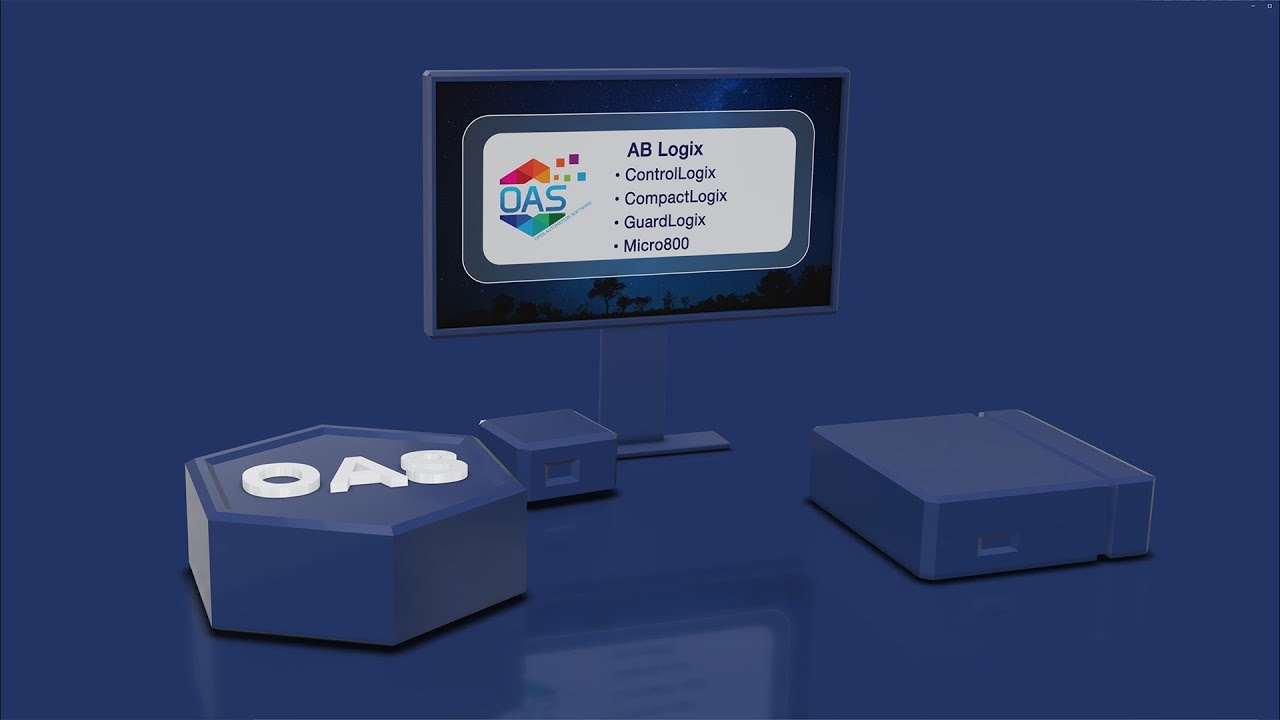
It supports Ethernet communication with ControlLogix, CompactLogix, GuardLogix, and Micro800 using the Allen Bradley Ethernet/IP driver, as well as MicroLogix, SLC 500, and PLC-5 using the AB Classic driver, with built-in Allen Bradley OPC server and Allen Bradley OPC UA server capabilities.
Access Rockwell Allen Bradley Device Data Anywhere
Move data to and from Allen Bradley devices efficiently using OAS, a powerful Allen Bradley gateway solution. The platform works seamlessly with Allen Bradley PLC programming software and supports HMI development, offering full bidirectional communication through an Allen Bradley PLC gateway architecture. Use your automation data across local systems, enterprise networks, or cloud environments with reliable Allen Bradley data acquisition software.
a server-based, highly-scalable, network platform that enables the transport and transformation of your data
Data HistorianAchieve fault-tolerant logging, zero data loss, and multi-destination storage with our high-performance Store and Forward technology.
Visualization ToolsBuild Visualizations, User Interfaces, and server configuration interfaces for .NET, web technologies, native iOS and Android mobile apps
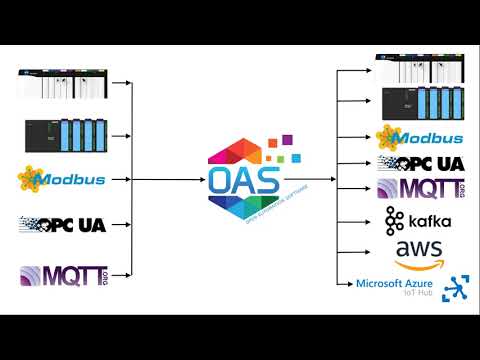
Device & Data ConnectorsThe OAS Platform provides rapid communications and connectivity to a wide variety of PLCs, devices, and databases.
IoT ConnectorsConnect to cloud-base IoT gateways such as AWS, Azure IoT Hub, Azure Event Hubs, Kafka, and more.
Alarm Logging & NotificationCapture events on each data point, log to open formats for historical analysis and archiving, and trigger real time notifications
SDKs & APIsExplore a wide variety of Developer Tools and APIs to allow you to create applications and system integrations to execute in any environment.
Networking FeaturesOpen Automation Software implements edge computing with a Distributed Network Architecture.
Download a fully functional trial of Open Automation SoftwareKey Features & Benefits
The OAS platform is designed to deliver scalable, high-performance connectivity for Allen Bradley environments across a wide range of industrial applications. It combines robust communication capabilities with flexible deployment options to support both legacy systems and modern Industry 4.0 architectures. These features enable efficient data flow, improved system visibility, and seamless integration across your automation ecosystem.
Extensive Device Support
- AB Logix: ControlLogix, CompactLogix, GuardLogix, and Micro800.
- AB Classic: MicroLogix, SLC 500, and PLC-5
Connect through Allen Bradley gateways using IP Address, backplane, slot number, channel number or DHRIO, and node address, or remote device configurations.
1-Click Access to Data
Streamline your tag creation process with One Click Allen Bradley, a powerful feature within our Allen Bradley data acquisition software suite. It automatically extracts all accessible variables directly from your controller, either online or offline, to accelerate system integration.
This feature is ideal for streamlining work with Allen Bradley ControlLogix software and other AB controller types
Reliability
Maintain system performance with Allen Bradley software designed for reliability. Adjustable timeout settings, automatic network recovery, and backup controller failover are all built-in to ensure consistent performance across Allen Bradley OPC server and gateway environments.
High-Speed Performance
Achieve lightning-fast communication with optimized packet handling. Process up to 1,000,000 tags per server with updates as fast as 15 milliseconds using our Allen Bradley PLC software for real-time control and tracking.
Data Accuracy
Data from each controller is processed on-premise using a first-in, first-out (FIFO) method. This ensures that all data received from the controller is preserved, not just the latest value. Maintaining complete data accuracy is critical for Allen Bradley data acquisition software and industrial applications.
Common Use Cases
Log Allen Bradley Data to Databases and CSV Files
Use the OAS Data Historian to log data from Allen Bradley controllers into various databases, including SQL Server, Oracle, MySQL, PostgreSQL, SQLite, and others. Logging can be triggered by changes in the data, specific events, or continuously. The system also supports high-speed buffered data logging for accurate capture. Learn more
Transfer Allen Bradley Data
Transfer data between Allen-Bradley controllers and various Industry 4.0 data sources using the Data Route feature. Data transfer can occur continuously or be triggered by specific events. The platform also functions as an Allen Bradley gateway, enabling seamless transfer across local area network (LAN), wide area network (WAN), or the Internet environments. Learn more
Allen Bradley User Interface
Build intuitive Allen Bradley HMI software with drag-and-drop tools with the OAS UIEngine. You use WinForm HMI, WPF HMI, and Web HMI, as well as programmatic access through the .NET Data Connector and OAS REST API to integrate Allen Bradley data with your legacy applications. Learn more about the UIEngine.
Learn how thousands of customers are using the OAS Product Platform around the globe to achieve truly open industrial automation
24/7/365
Support
Technical support available by phone, chat, and email
30+ Years
Experience
Product efficacy, market testing, and reliability
Used in 10K+
Data Servers
OAS is used in thousands of businesses worldwide
OAS Platform Features
The OAS Platform provides a flexible and scalable foundation for industrial data integration, enabling seamless connectivity across diverse systems and environments. It supports modern deployment strategies while ensuring reliable performance for real-time data acquisition and automation workflows.
Cross-Platform Support
The OAS Platform supports Windows, Linux, Docker Containers, and can even run on low-footprint devices such as a Raspberry PI 4.
Networking
OAS is an edge solution that offers flexible networking options for standalone installations, multi-tenant data aggregation, and even secure unidirectional data transport.
Programmatic Setup
Use the .NET SDK or REST API for flexible and automated setup with asset management systems. You can also import and export CSV files, which helps you work with Excel and third-party applications. These tools work seamlessly alongside software that Allen Bradley users depend on for advanced automation tasks.
Calculations, Time On, Counts, and Totals
Merge data from multiple controllers and data sources while performing real-time computations and logic processing, all without the need for coding. Monitor the duration of activities and the frequency of state changes over a defined period. Aggregate analog values both daily and over the entire timeline.
See How We Compare
The initial cost of OAS is far less than our competitors – but the savings don’t stop there. We work with OEMS and System Integrators to provide perpetual licenses with quantity discounts with flexible tag pricing and unlimited client connections.
No Question Left Unanswered
Get started quickly with our Knowledge Base, how-to guides, and step-by-step resources covering setup, configuration, and features.
Getting Started - Download, Setup & Support
Step-by-step introduction to using the Open Automation Software platform
Overview - Allen Bradley Driver
An overview of the fundamental configuration steps and a description of commonly used parameters.
Getting Started - Allen Bradley Driver
Follow these essential steps to effectively use the Allen Bradley driver, including the setup of the driver and the configuration of tags.
Detailed steps and a video guide for using the automated setup to import variables online from an AB Logix controller. Additional video shows how to perform an offline import from the PLC program for AB Classic PLCs.
Related Videos